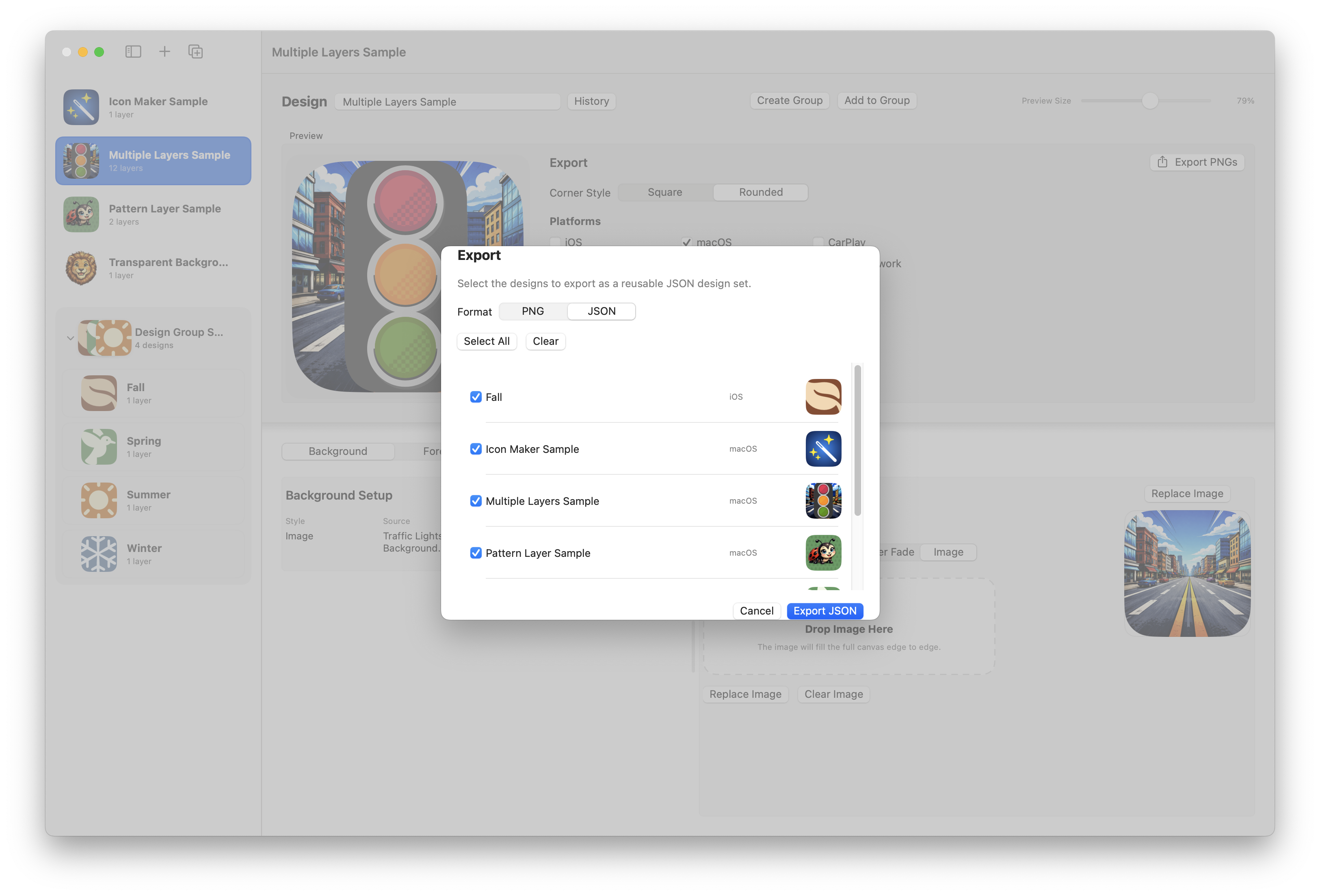
Design with layers
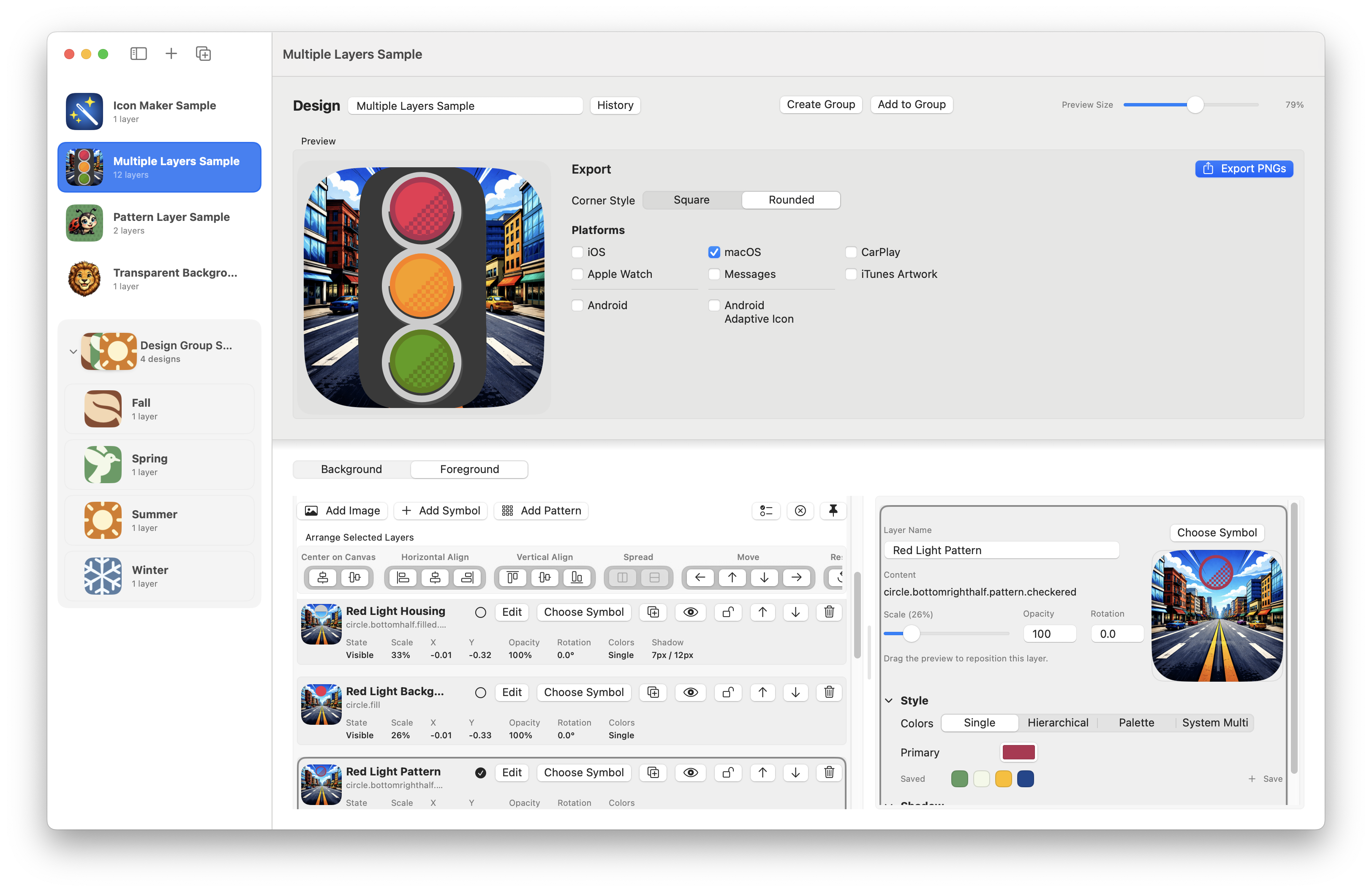
Mix symbols, images, and patterns in one canvas. Adjust scale, opacity, rotation, colors, shadows, and alignment without leaving the app.
 IconMaker
macOS icon design utility
IconMaker gives you a focused Mac workflow for building app icons with symbols, images, patterns, grouped concepts, and export-ready assets for Apple platforms.
Clean exports. Layered editing. Built for people who want to make icons, not fight tooling.
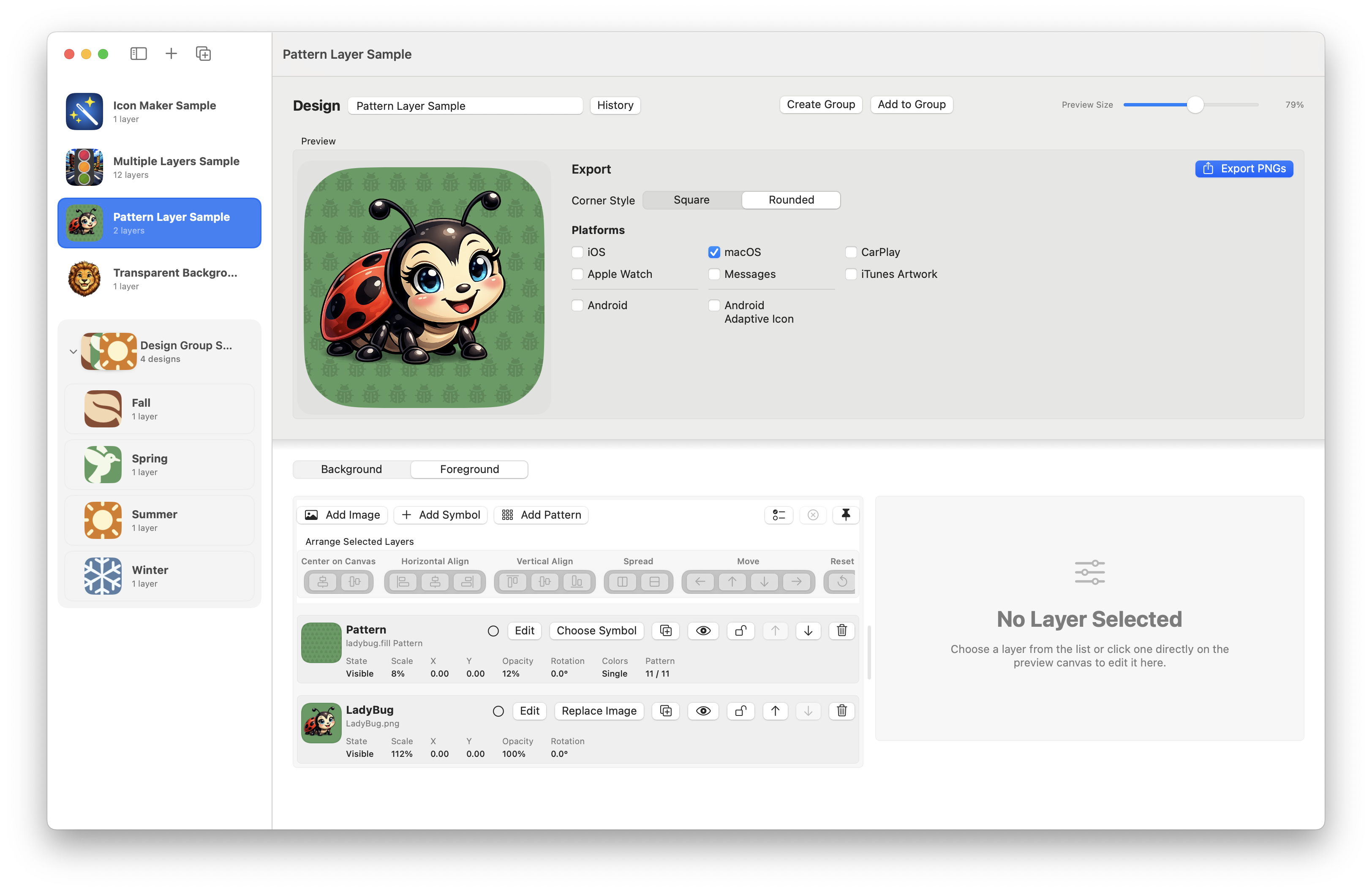
Mix symbols, images, and patterns in one canvas. Adjust scale, opacity, rotation, colors, shadows, and alignment without leaving the app.
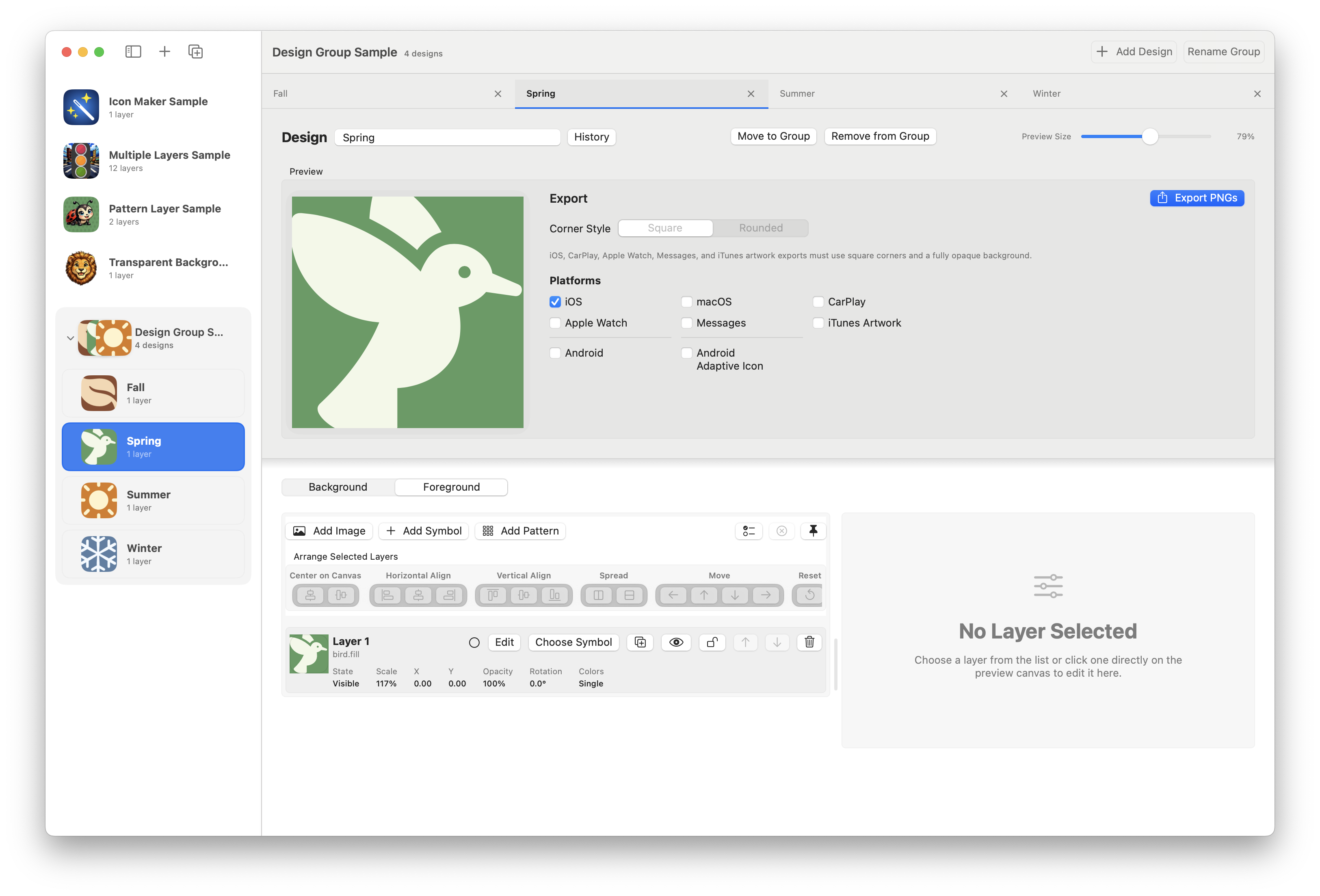
Keep related icon concepts together, switch between design tabs quickly, and compare variations without cluttering your workspace.
Generate PNG icon sets and reusable JSON design exports so you can move from concept to implementation with less friction.
How it works
Build a clean base quickly, then add background treatment, supporting shapes, or imported artwork.
Use saved colors, bulk layer tools, keyboard nudging, and grouped designs to tune variations without repetitive manual work.
Send out platform-ready PNGs or preserve the editable source as a design set for future releases.
In the app
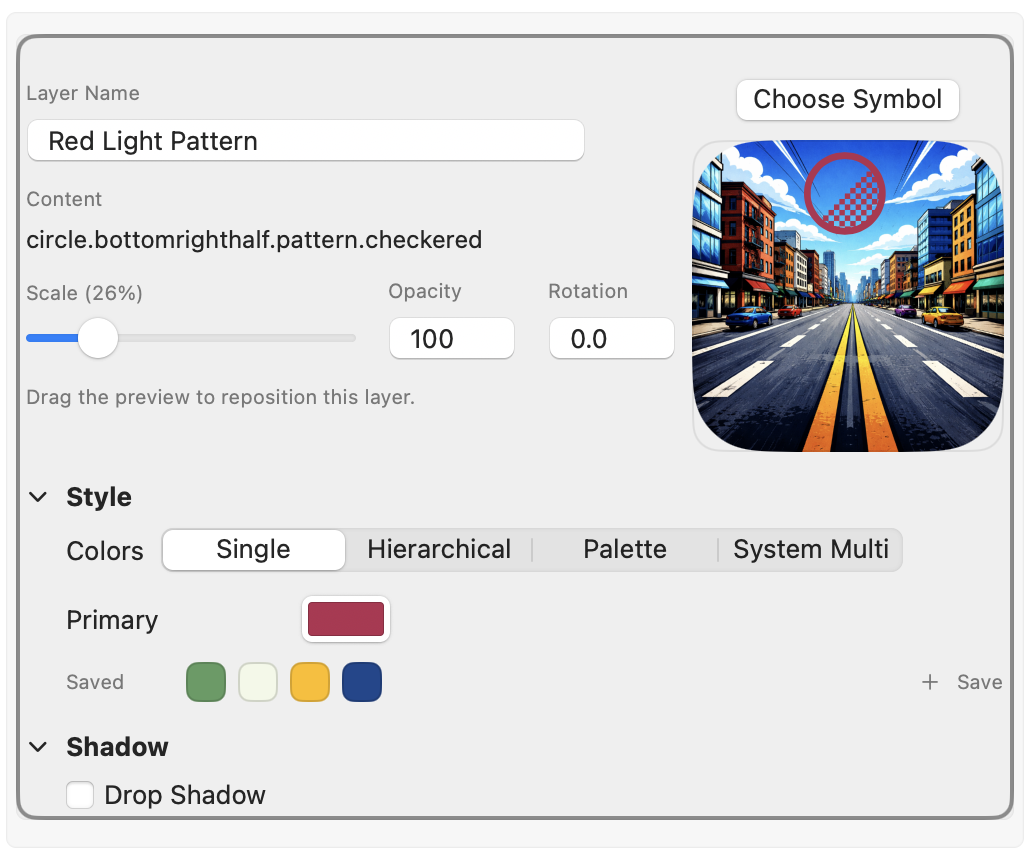
Work with image, symbol, and pattern layers in one place. The inspector keeps styling, colors, shadow, scale, opacity, and rotation close at hand.
Keep related directions together and switch between tabs without losing context.
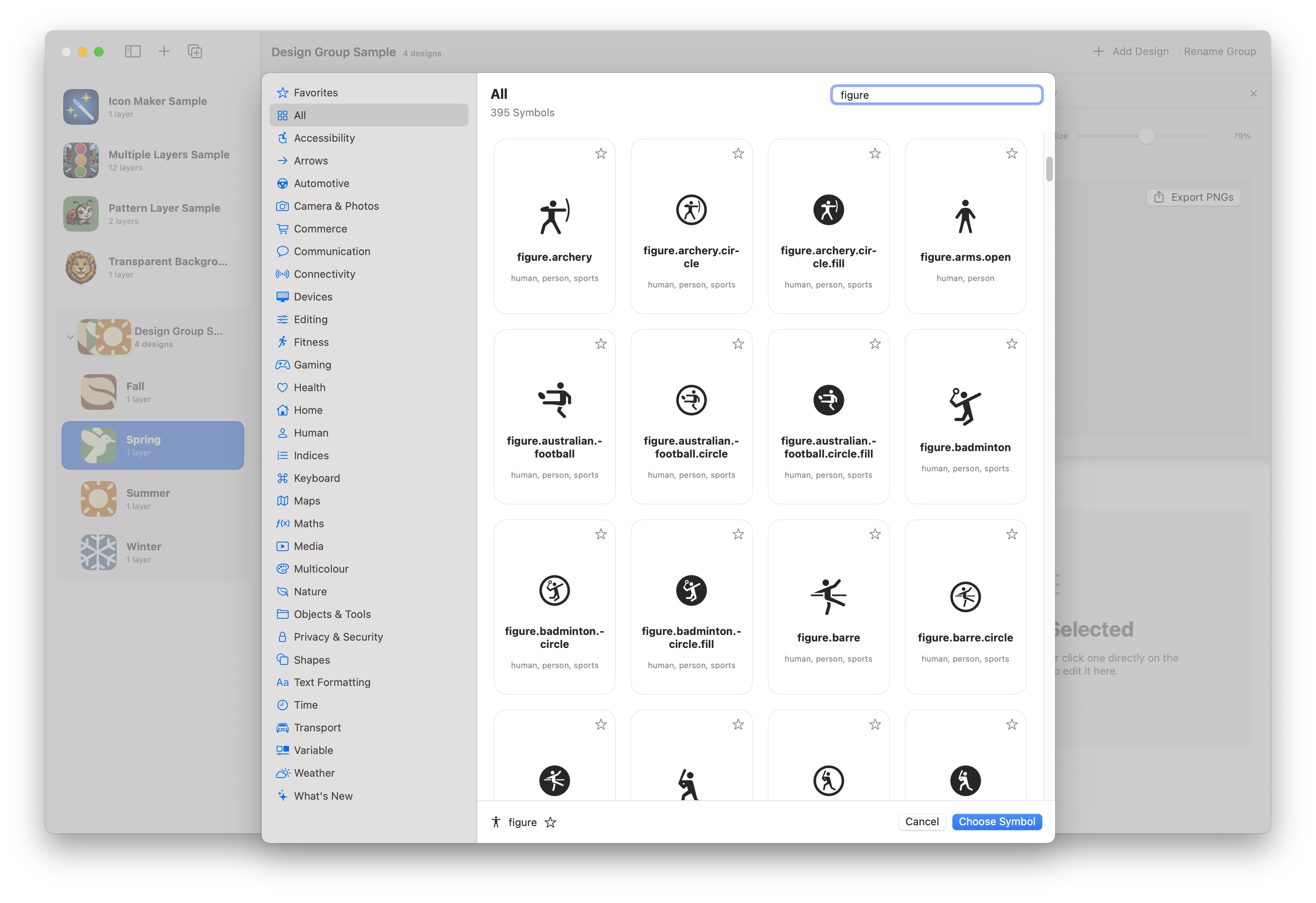
Browse categories, search directly, and use favorites to get to the right symbol quickly.
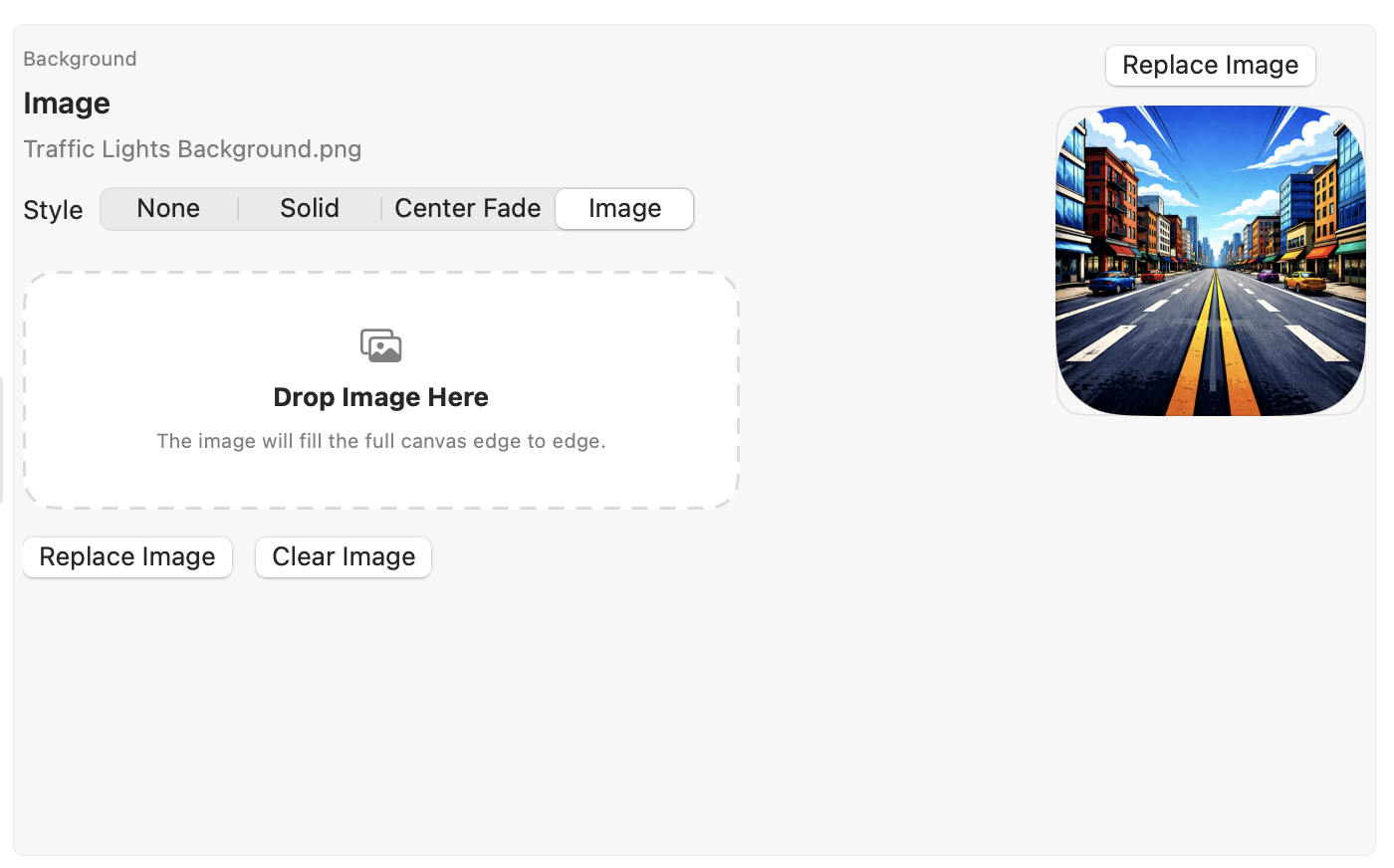
Use image backgrounds, generated fades, and repeatable pattern layers to create richer icon treatments.
Support
If something is broken, confusing, or missing, send a note and include your macOS version plus a screenshot if you can.
[email protected]IconMaker is designed as a local-first Mac app. Read the privacy policy for the simple version you can publish alongside the app.
Open Privacy Policy